Powering On
On arrival, here is a list of devices to power on in order to start the stream.
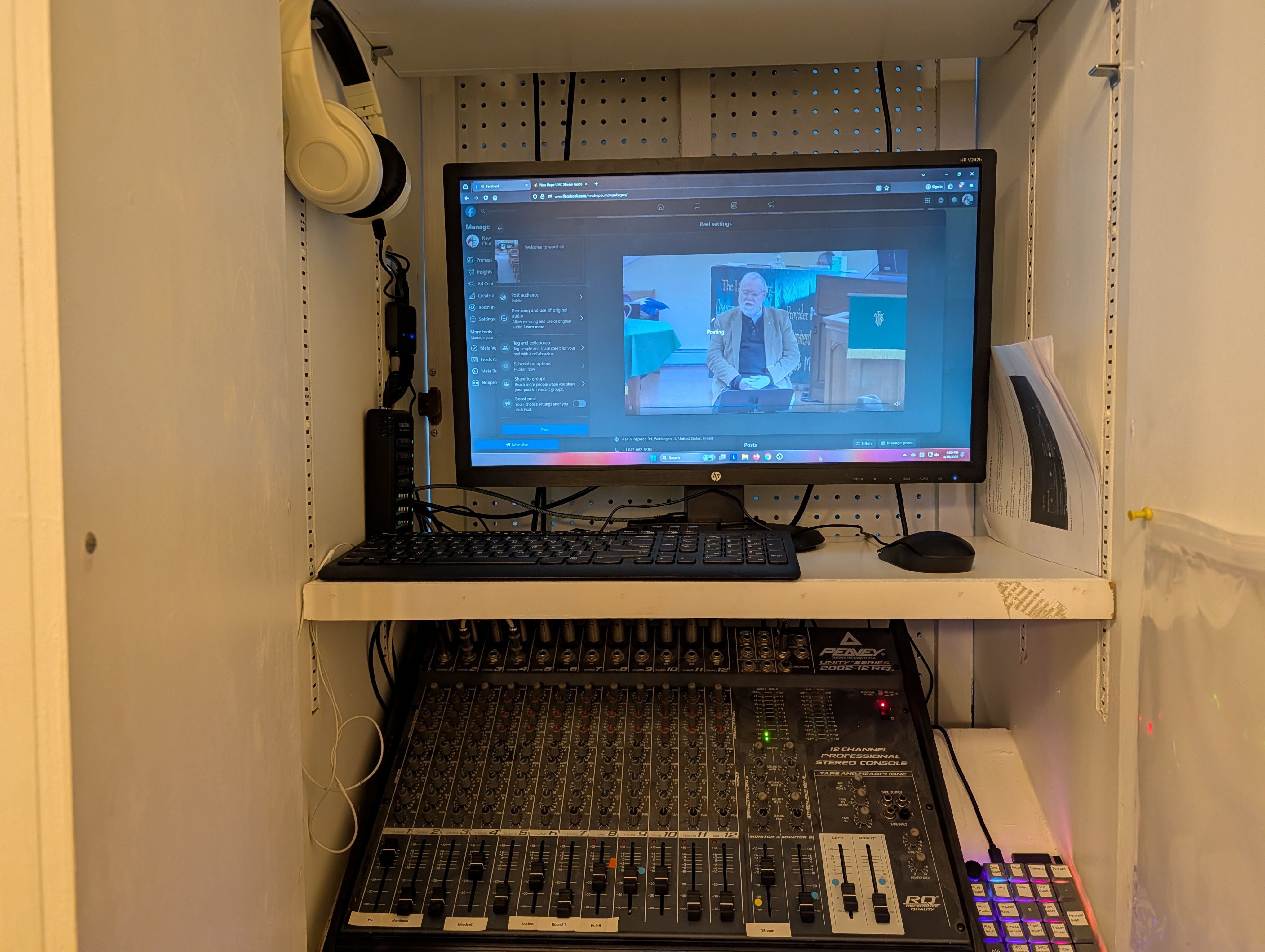
Audio Cabinet
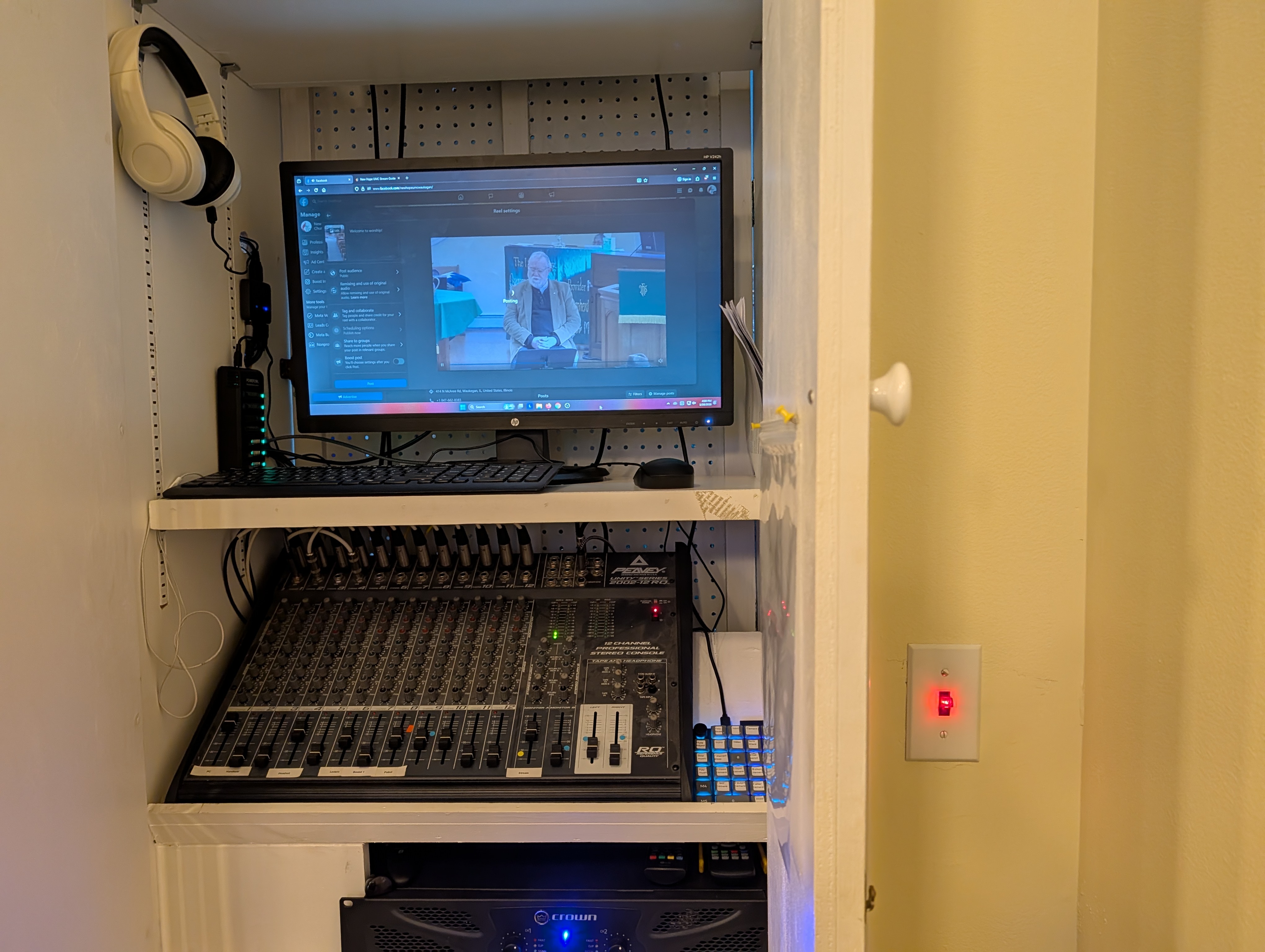
To the right of the audio cabinet there will be a red switch flip it up to turn on the power for the sound board, audio system, and also the computer monitor.
Computer (If not already on)
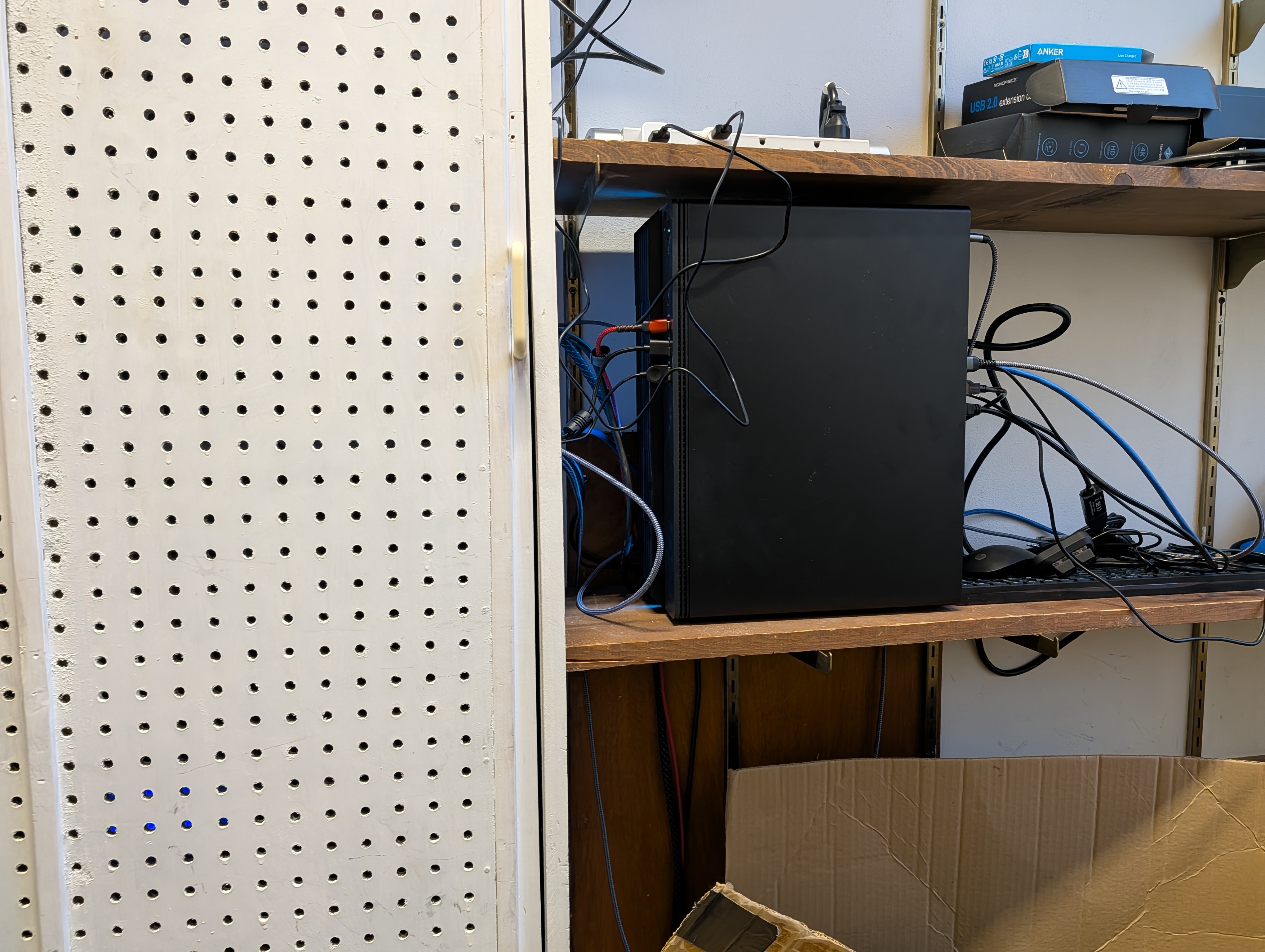
The computer is in the closet behind the audio cabinet. If it is not on, you will need a key to get in to turn it on if it is ever fully off, normally pressing the spacebar a few times will wake the computer.
All 5 TV’s
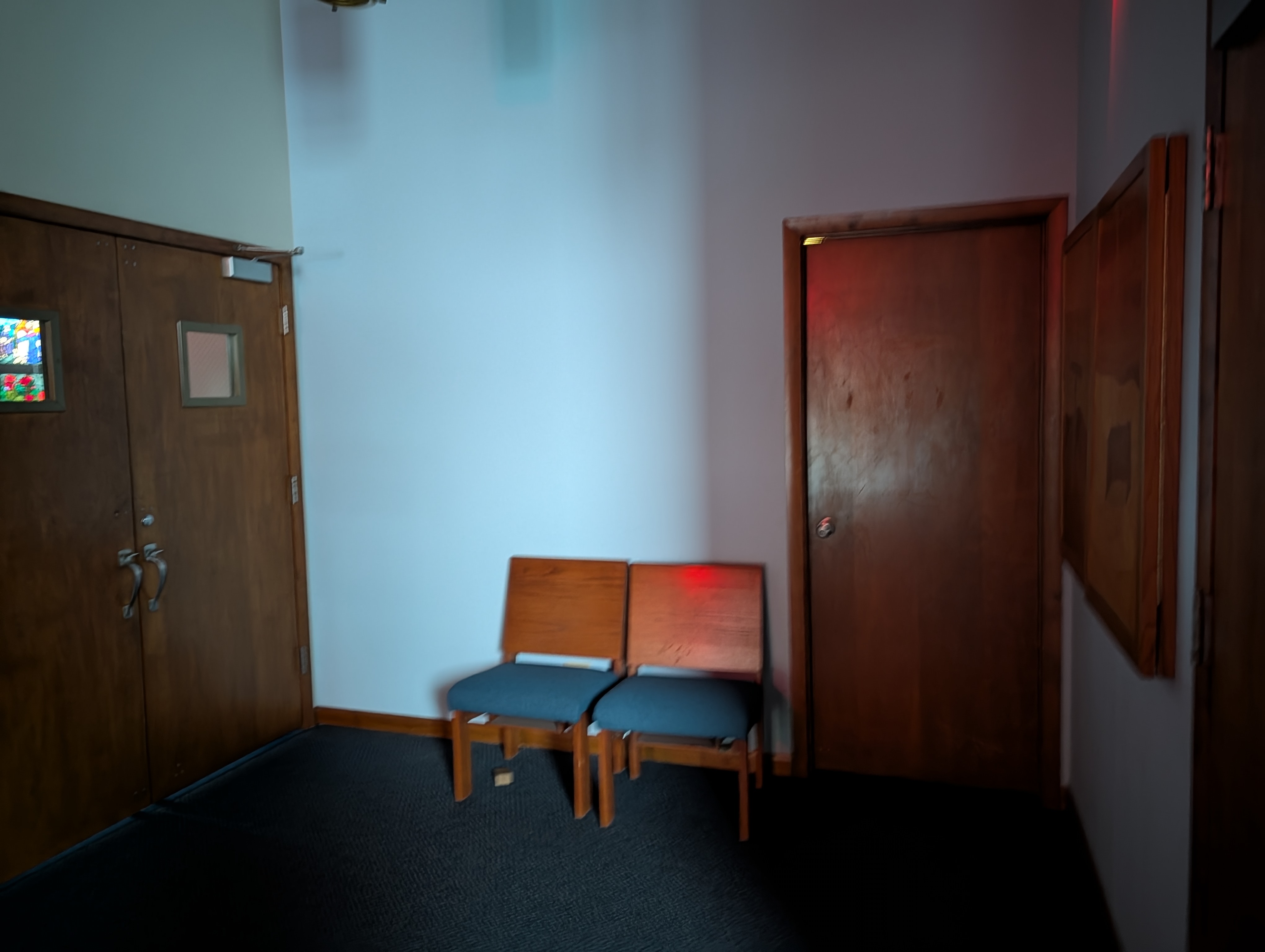
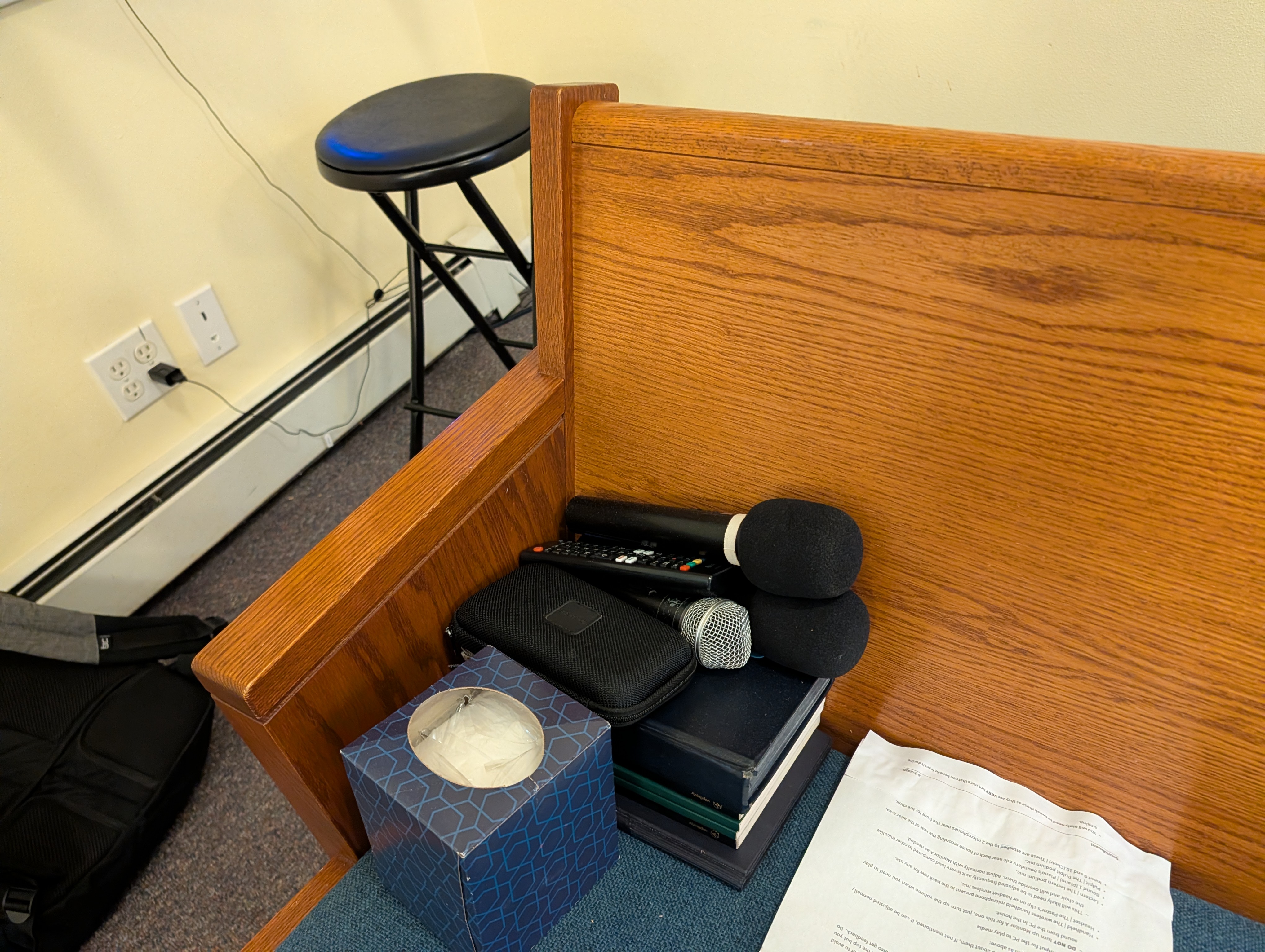
You will find a remote on the pews nearby the audio cabinet. Make sure to double check they are actually on, sometimes turning one on may turn another off accidentally.
Microphones (As needed)
You will find 2 Handheld and one lapel microphone where you found the TV Remote. The pastor will generally need the lapel mic (labelled headset on the soundboard). The other 2 (labelled handheld on the soundboard) can be used as needed as well. You can find spare batteries on the left inside wall of the audio cabinet, remember to replace the batteries on the lapel mic at the end of each service to keep them fresh.
Camera (If not already on)
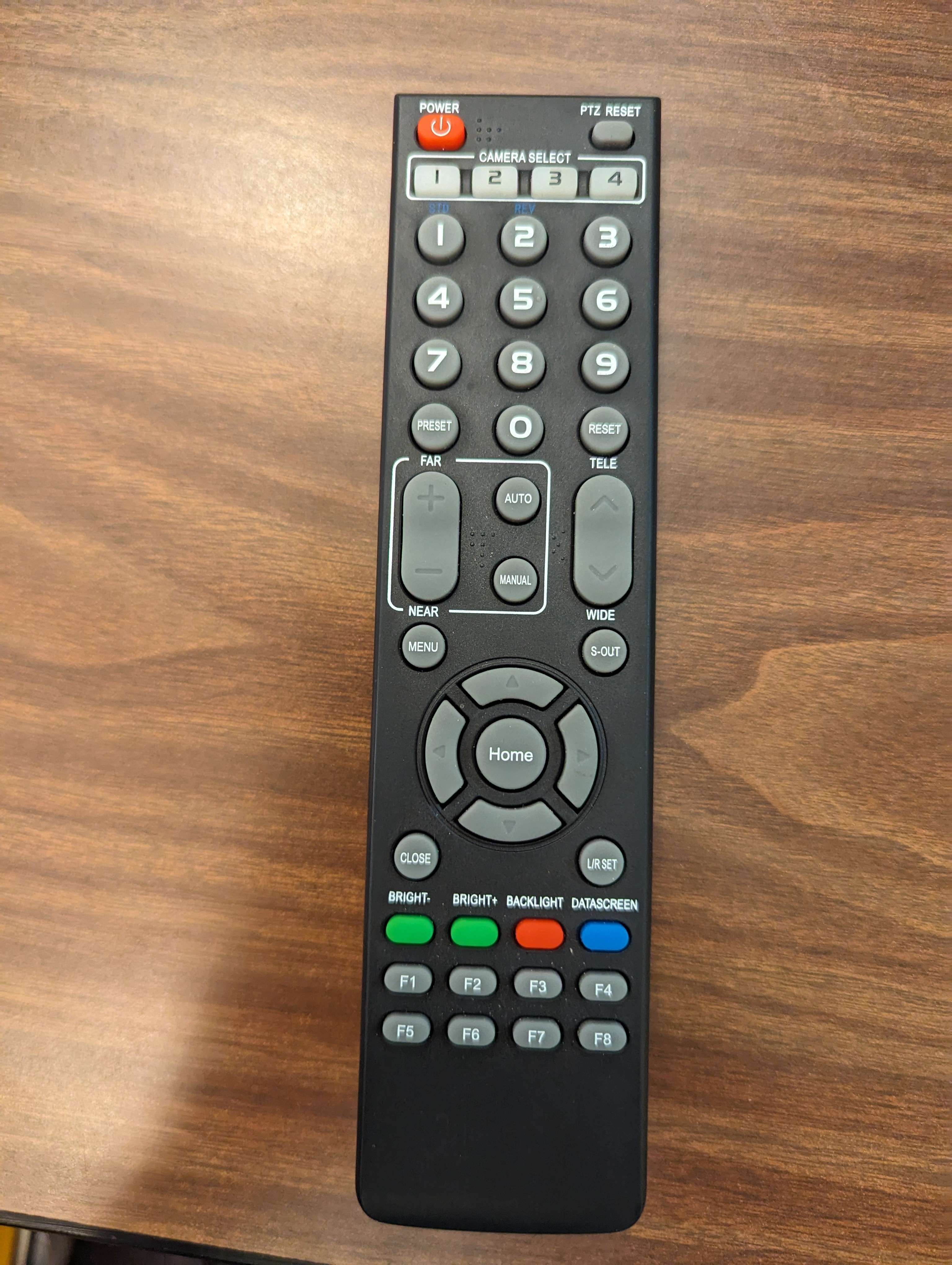
You will need to press the power button on the remote for the PTZ (pan tilt zoom) camera and wait for it to turn on if it not already on.
Bluetooth Headphones (optional)
There is a pair of bluetooth headphones that will be plugged in and hanging in the cabinet. If wanting to use them, unplug them and hold the power button to turn on if they are not blinking and connect them using the windows pairing menu. Alternatively, there are wired earbuds connected to the computer or you can use your own headphones as wanted, just remember to reset the audio monitoring device as needed.